


Ways to place the location finder on a page
This draft compares three versions of the same location finder section, so the team can pick the one that becomes a shared component. Open it on a phone, a tablet and a laptop, then compare how fast the page opens and how each version scrolls.
Find an Aniva location near you
Every Aniva blood draw location is on the map below, with its opening times and directions.
The location finder is loading.
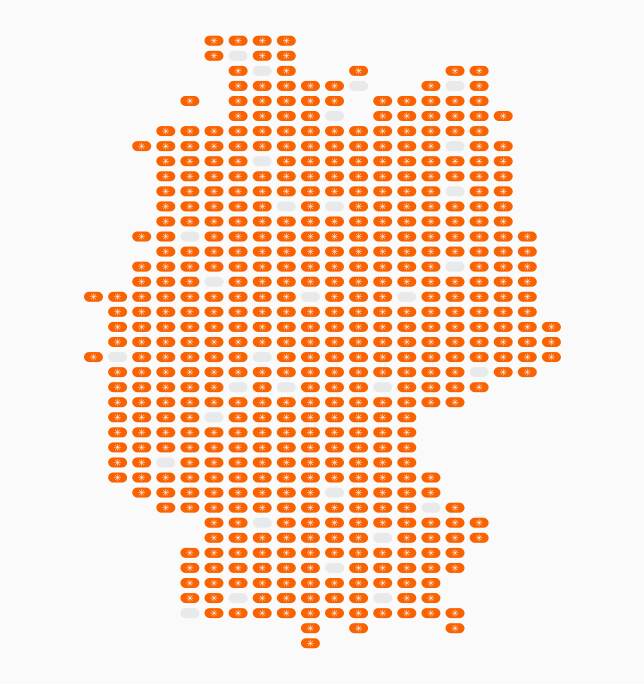
The finder lists every Aniva location with its address, opening times and directions. You can search by city or postal code, or let it use your current location.
This version loads the finder as soon as the page opens. Use it only where the finder is the main content near the top of the page, because in our test it added about two seconds to the page load and over a hundred network requests.
Find an Aniva location near you
Every Aniva blood draw location is on the map below, with its opening times and directions.
The location finder is loading.
The finder lists every Aniva location with its address, opening times and directions. You can search by city or postal code, or let it use your current location.
This version loads nothing until the visitor scrolls within about 600 pixels of it, so the page above it opens at full speed. It suits every page where the finder is further down, and the frame is then set to the full height of the finder so nothing scrolls inside it.
Find an Aniva location near you
Every Aniva blood draw location is on the map below, with its opening times and directions.
The location finder is loading.
The finder lists every Aniva location with its address, opening times and directions. You can search by city or postal code, or let it use your current location.
This version also waits until the visitor scrolls near it, and on a laptop it behaves like the version above. On phones and tablets it shows a short card instead, and the finder opens full screen with a close button when the visitor taps it. In the other versions a swipe across the map on a phone moves the map rather than the page, and the full screen view avoids that.